Grovekeeper home →

Your garden has a story. Keep it growing.

The first blossom. A bumper harvest. The little tree that finally took off. Keep the moments, photos and everyday jobs together, and give next season a head start.

Your first six weekly plans are on us. No credit card needed. Then keep your free notebook for up to five trees, or choose Cultivate for a fresh plan each week.

Remember the little things.

When did the plum flower last year? Did you feed the lemon already? What did that new growth look like a month ago? Keep a few photos and notes as you go, and those answers are there when you need them.

Every job you tick off adds to the story. Grovekeeper can use that history when planning what comes next.

“Didn’t I feed that lemon already?”

Say you spot a few yellowing leaves on your lemon tree. Before reaching for the feed, you open its story: a photo from last month, a note about the wet weather, and the feed you gave it two weeks ago. That bit of remembering helps you and Grovekeeper work out what to look at next.

A second look when something seems off.

Take a photo and ask Grovekeeper for a second look. It can suggest what might be going on and what to check, then keep that conversation with the plant’s history. You’re there with the tree, so your own observations help fill in the picture.

You get three AI photo diagnoses a month with Sprout, or fifty with Cultivate.

A little notebook. A growing connection.

Your garden changes a little every day. A quick note here, a photo there, and soon you’ve got something you can look back on with a smile—and turn to when you’re wondering what to do next.

Start on the web or in the Android app and bring the same garden with you. An iOS app is on the way too.
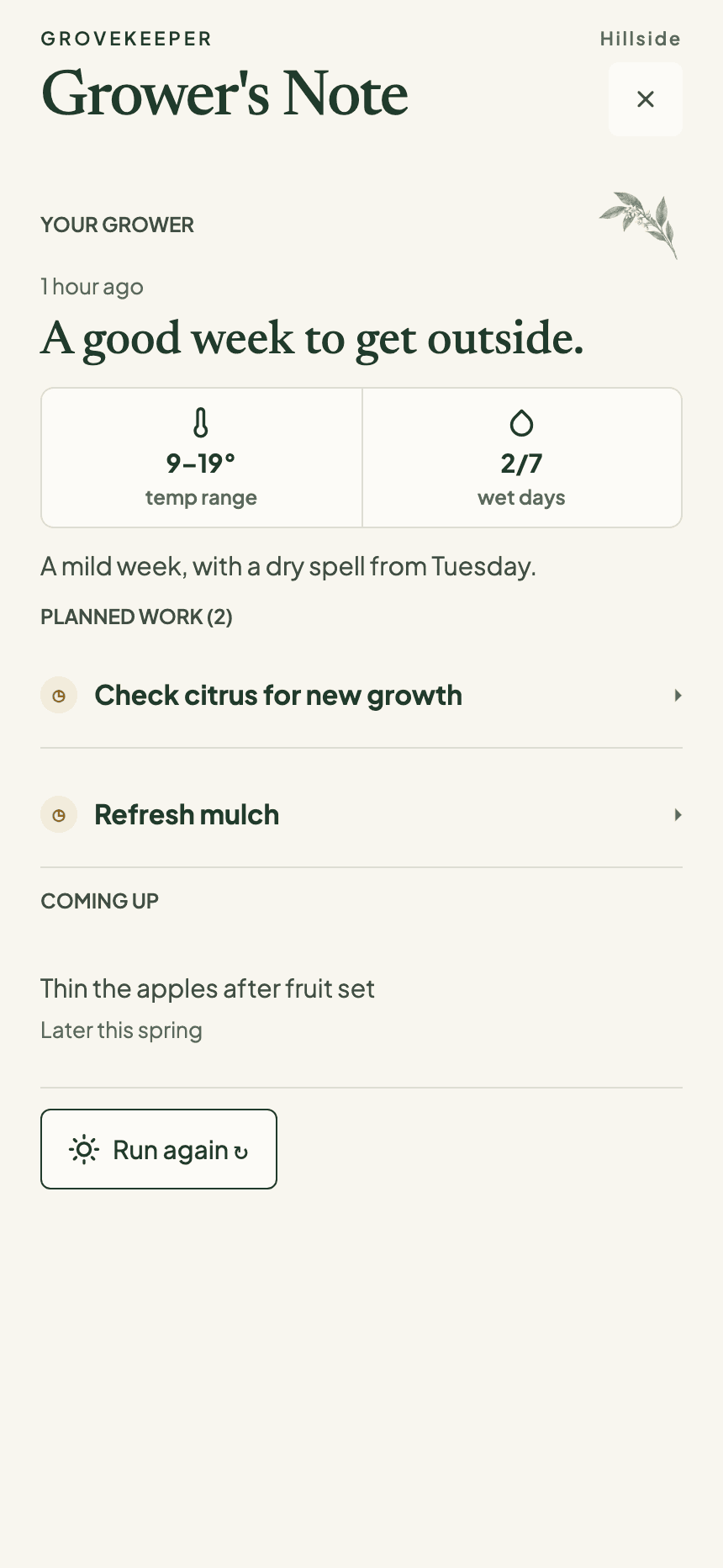
An illustrative Grovekeeper grower’s note explaining priorities for a garden.
Meet Hillside, our example garden. Yours will tell its own story.

A few things you might be wondering

What happens after my free plans run out?
Your notebook is yours to keep using for up to five trees, with photos, notes and garden history. If you’d like a fresh weekly plan too, you can move to Cultivate.
Is this a plant identification app?
Grovekeeper is about getting to know the plants you grow, season after season. Photos help you keep track of changes and ask for a second look when something seems off.
Can other people see my garden?
Your garden is private behind your sign-in. The Hillside garden you see on these pages is a made-up example, not someone else’s private patch.

More ways to look after your patch

Fruit tree & home orchard care

A plan for the trees you actually grow, with their care history close at hand.

Weather-aware garden planning

Find the few jobs worth doing while the weather and your plants line up.

Garden journal & care history

Keep photos, observations and completed work together through the seasons.